
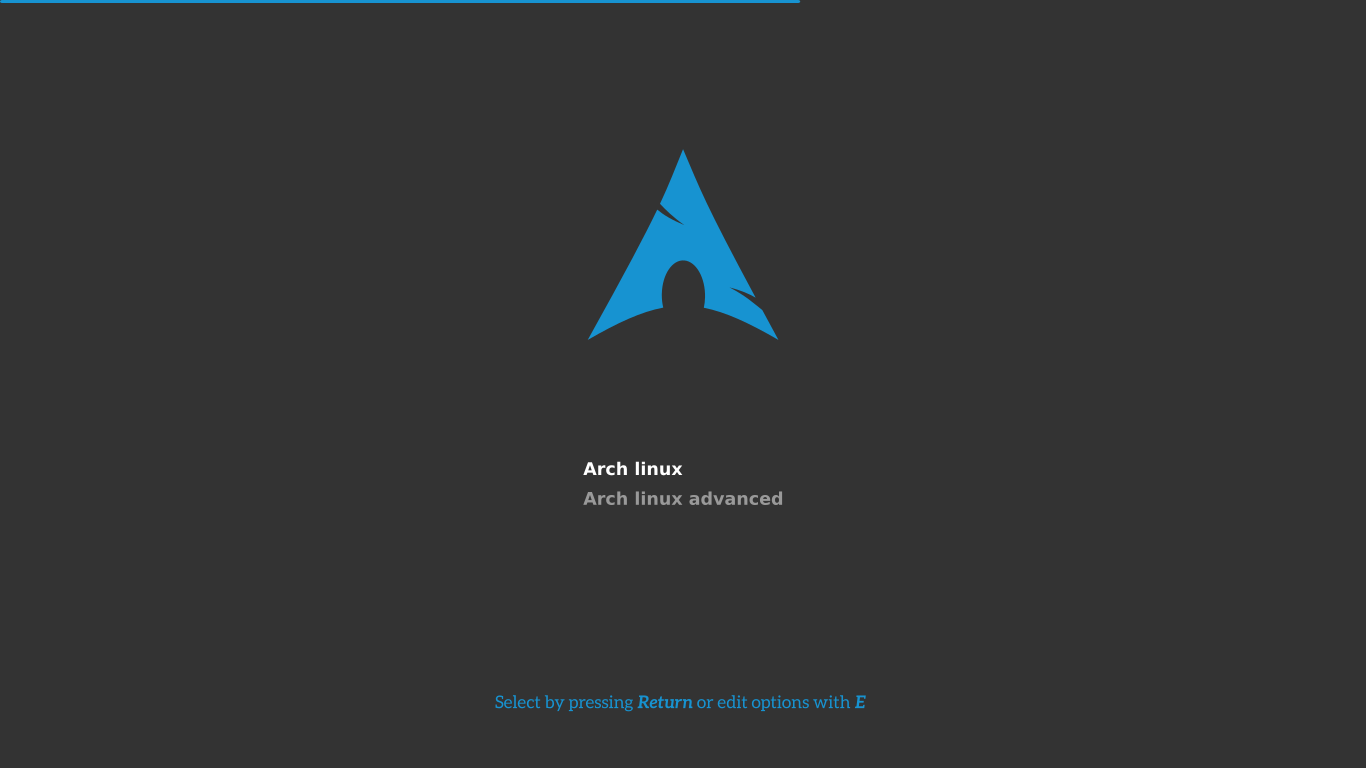
Sometimes disaster may happen and your GRUB bootloader may stop working. In this situation you may need to reinstall/restore GRUB bootloader. For this you need a bootable drive with Arch Linux.
So if you don’t have Arch Linux download iso file and create one.
Recover GRUB Bootloader in Arch Linux
- Insert and boot your Arch Linux installation media.
- Select Arch Linux archiso x86_64 UEFI CD.
- If you want to connect to WiFi then you can connect using
# wifi-menu, but it is optional. - After that you need to mount the
rootpartition of Arch Installation to/mnt. - To check your
boot/EFIandrootpartitions use,# fdisk -l - Then mount your root partition to
/mnt,# mount /dev/sda4 /mnt - chroot using,
# arch-chroot /mnt /bin/bash - Then you need to mount
bootpartition, mount it to/boot/efi,# mount /dev/sda2/ /boot/efi - You can check if all are mounted using,
# lsblk -l - Now install GRUB,
# grub-install --target=x86_64-efi --efi-directory=/boot/efi --bootloader-id=GRUB - Then, generate grub.cfg,
# grub-mkconfig -o /boot/grub/grub.cfg - Now you are done,
# exit,# reboot.
If you have problems then feel free to comment.



saved my life, thanks!
great