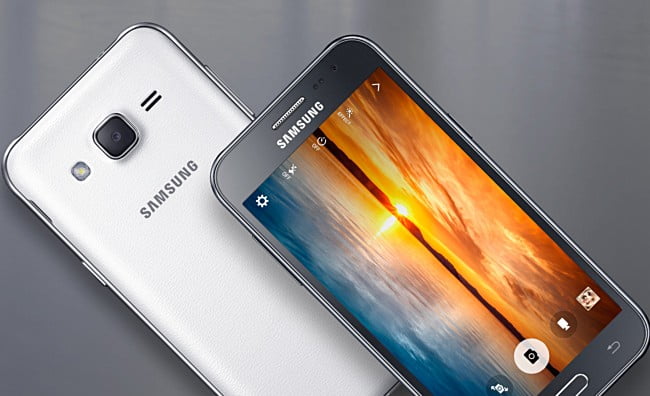
It is possible to use Android device as a Linux server. With a few tools and apps, you can run web servers, SSH, and more — all from your Andoird. You can even make it publicly accessible over the internet.
Prerequist
- Android device
- Cloudflare account with domain
- Some Linux skill
First of all you need to install Termux which is a terminal emulator and Linux command-line environment. You can install Termux from here. We will run all commands inside Termux from here on.
Upgrade Termux Packages
pkg update
pkg upgradeCode language: Bash (bash)
Install Apache Web Server
For this example, we will setup an apache web server. Start by installing it:
pkg install apache2Run Apache Web Server
apachectlCode language: Bash (bash)To check if the server is running visit http://localhost:8080 from your Android device.
Now your Android device is running a web server. You can also run a Node.js app by installing Node.js.
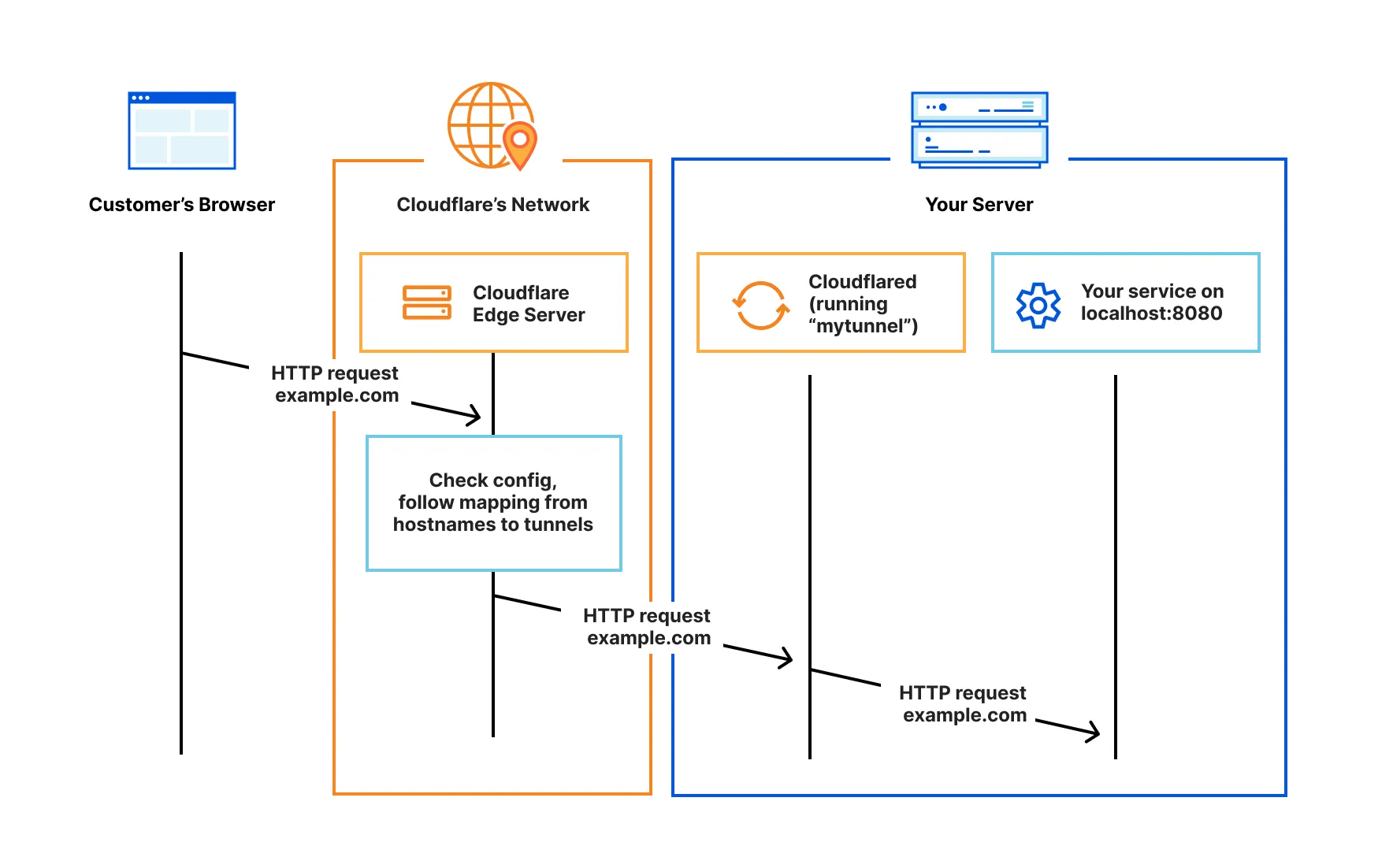
Next, we’ll make the server publicly accessible using Cloudflare Tunnel.
Note: You must have a domain already added to your Cloudflare account to use Cloudflare Tunnel.
Install Cloudflare Tunnel Client
pkg install cloudflaredCode language: Bash (bash)Login to Cloudflare
cloudflared tunnel loginIt will open a browser for login. After logging in, select a hostname (domain) to grant access. It will create an account certificate file (cert.pem) in the default cloudflared directory (~/.cloudflared).
Create a Tunnel
cloudflared tunnel create my-tunnelCode language: Bash (bash)my-tunnel is your tunnel name, which you will need later. It will also create a tunnel credentials file ({UUID}.json).
Create a Config
Create a config.yml file inside ~/.cloudflared directory with following content. Replace the {UUID} with the id generated while creating the tunnel. And <domain> with the hostname you gave access while login.
tunnel: {UUID}
credentials-file: /data/data/com.termux/files/home/.cloudflared/{UUID}.json
ingress:
  - hostname: tunnel.<domain>
    service: http://localhost:8080
  - service: http_status:404Code language: YAML (yaml)
http://localhost:8080 is the localhost server URL running in the Android device. cloudflared will respond with a 404 status code when the request does not match any of the previous hostnames.
Start Routing Traffic
cloudflared tunnel route dns my-tunnel tunnel.<domain>Code language: Bash (bash)It will assign a CNAME record that points traffic to your tunnel subdomain.
Run the Tunnel
cloudflared tunnel run my-tunnelCode language: Bash (bash)Now you can access https://tunnel.<domain> from any network.
The official documentation covers everything you may need to know about creating tunnels and configuring it. You can refer to it for more advanced setup and troubleshooting.